How to install the Chrome Extension
Create an account at https://optimizer.gigradar.io
Complete the account form.
Click the Add Chrome Extension button to be redirected to the Chrome Store.
Install the Extension by clicking the Add To Chrome button.
Once installed, log into Upwork and go to your Upwork Profile at https://www.upwork.com/freelancers
Click the Import Profiles button in the extension. Note, if the popup does not appear, just click on the Extension Icon in your extension area in Chrome.
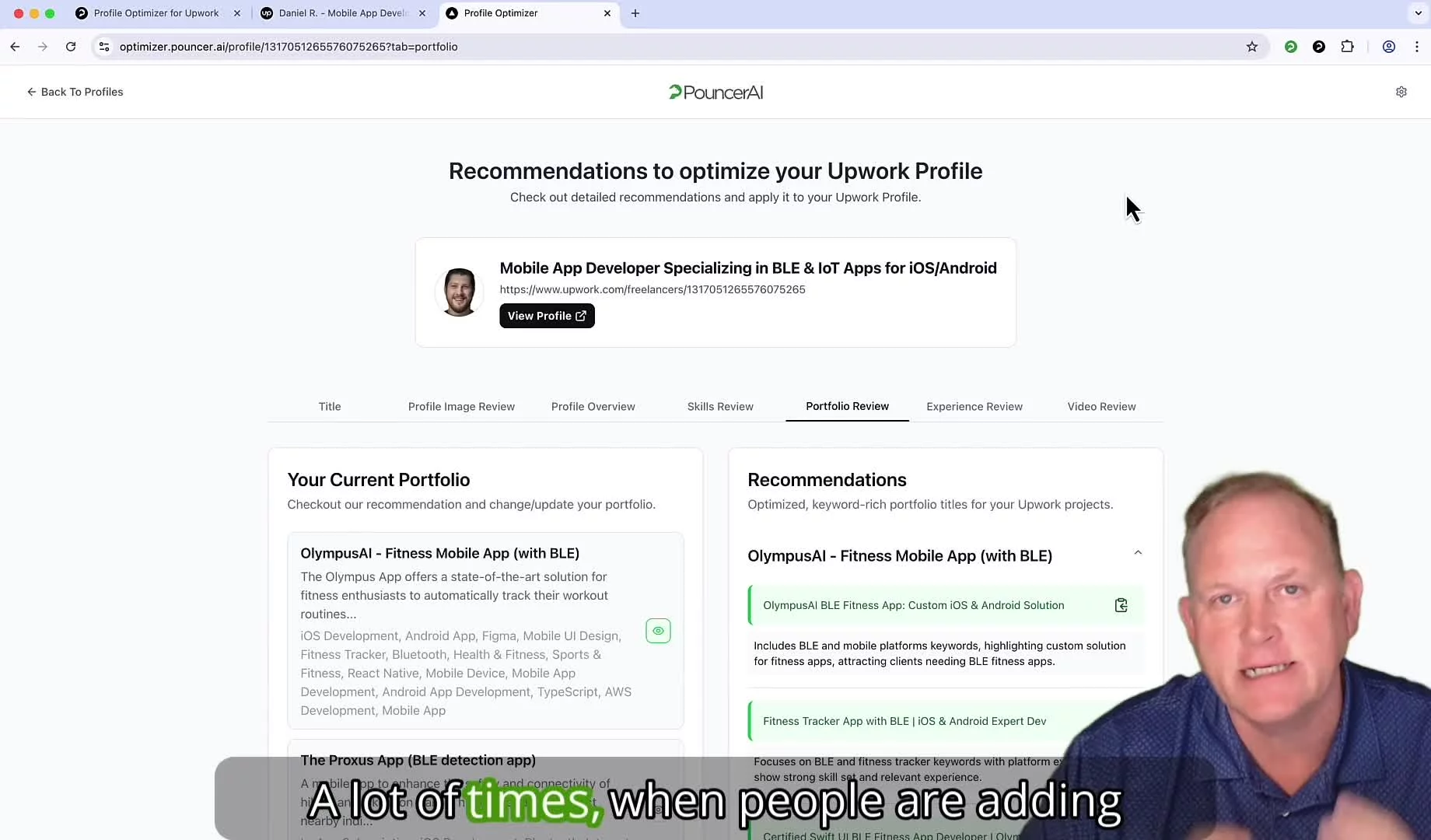
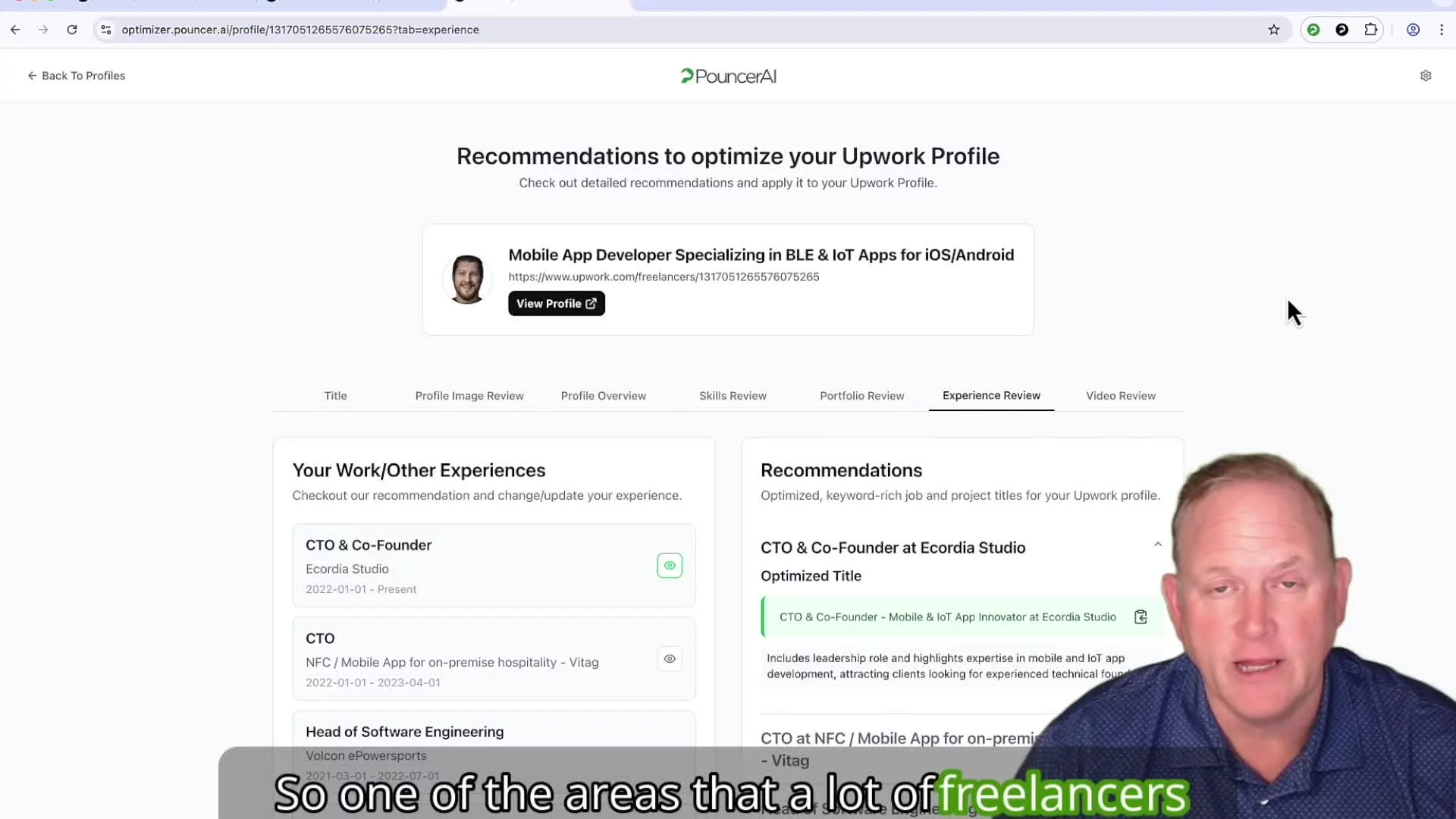
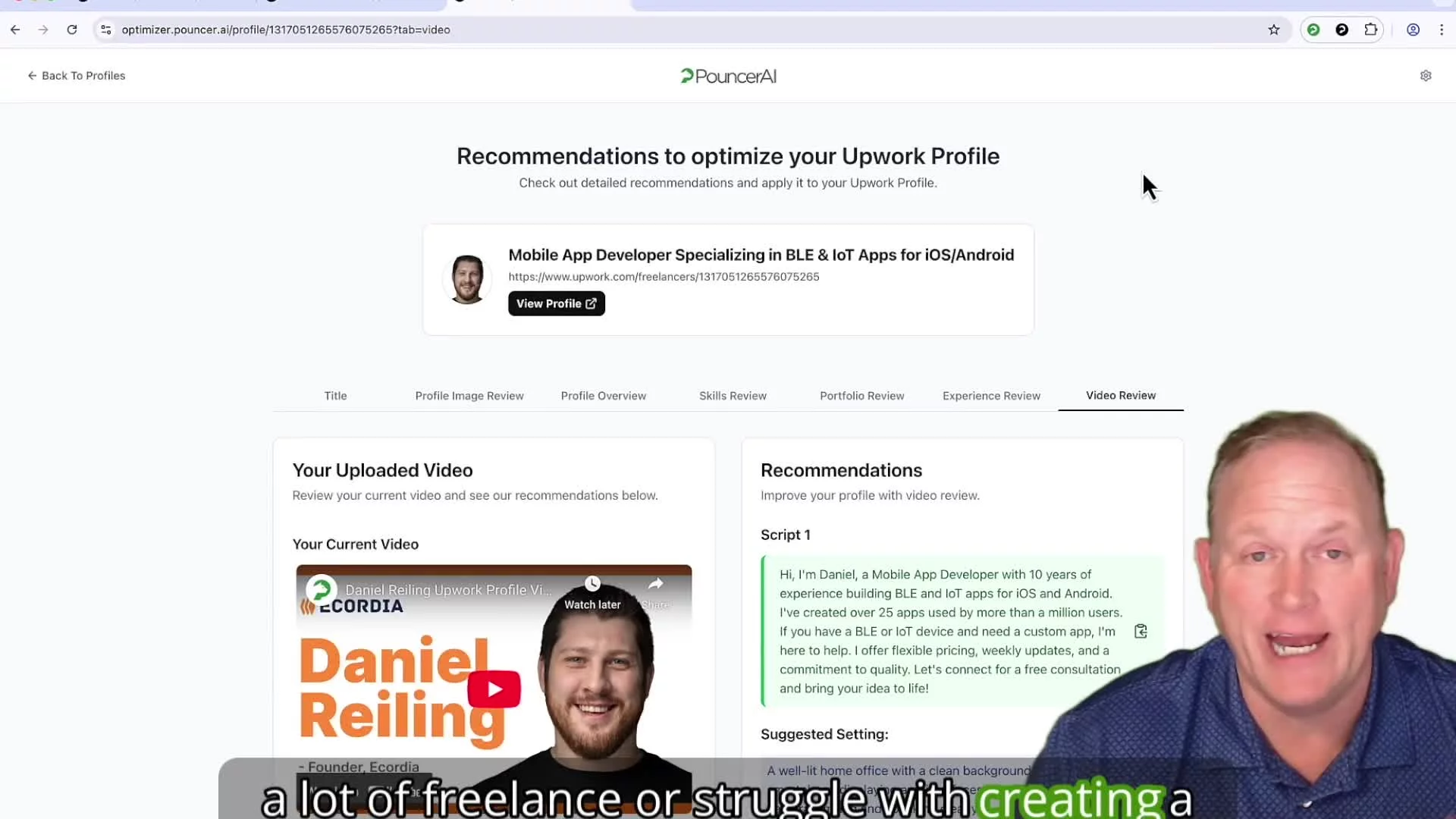
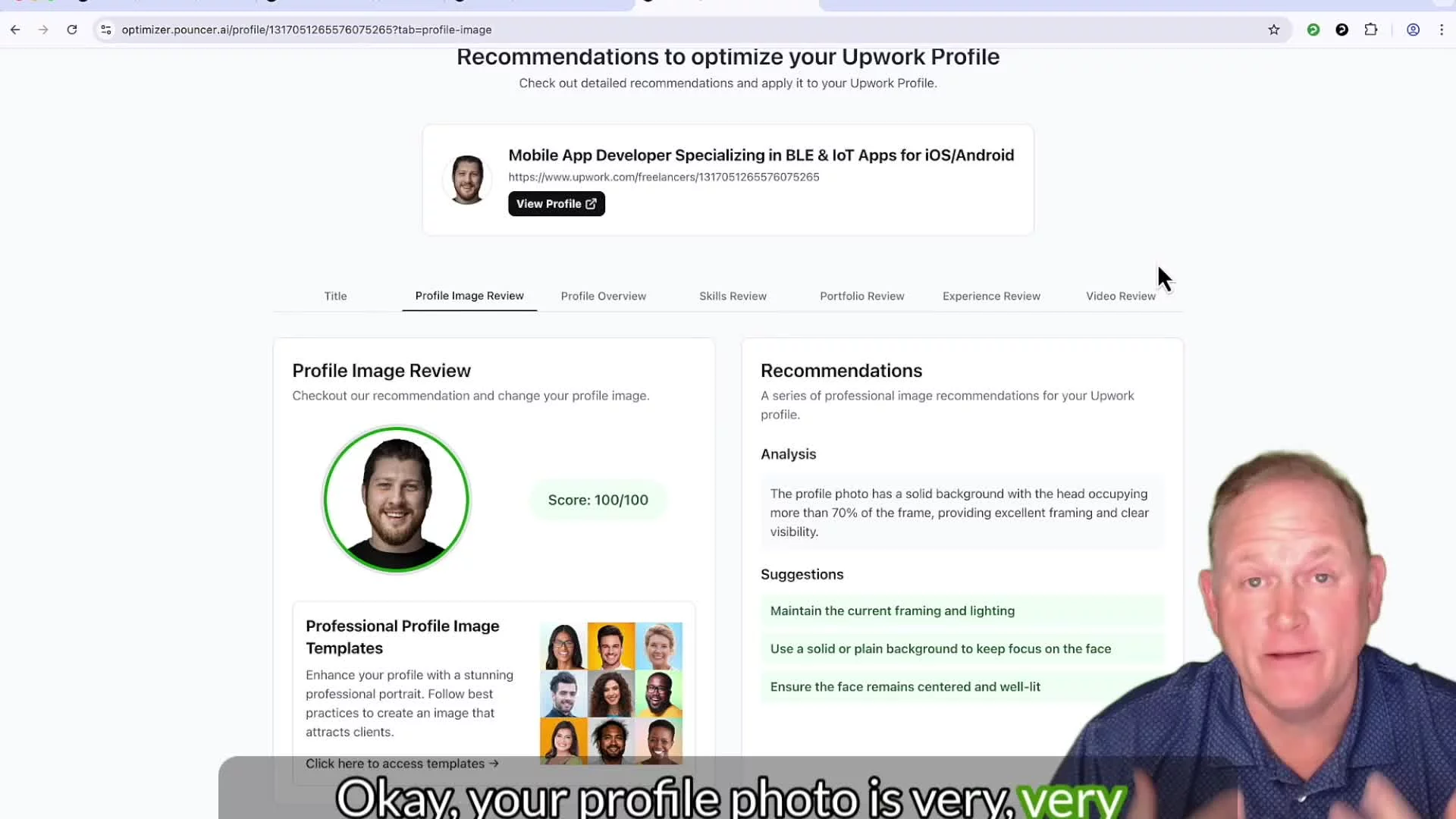
Once your profiles are imported, click the Optimize button. You will be re-directed to your dashboard screen.
Previous
Profile Optimizer Overview
Next